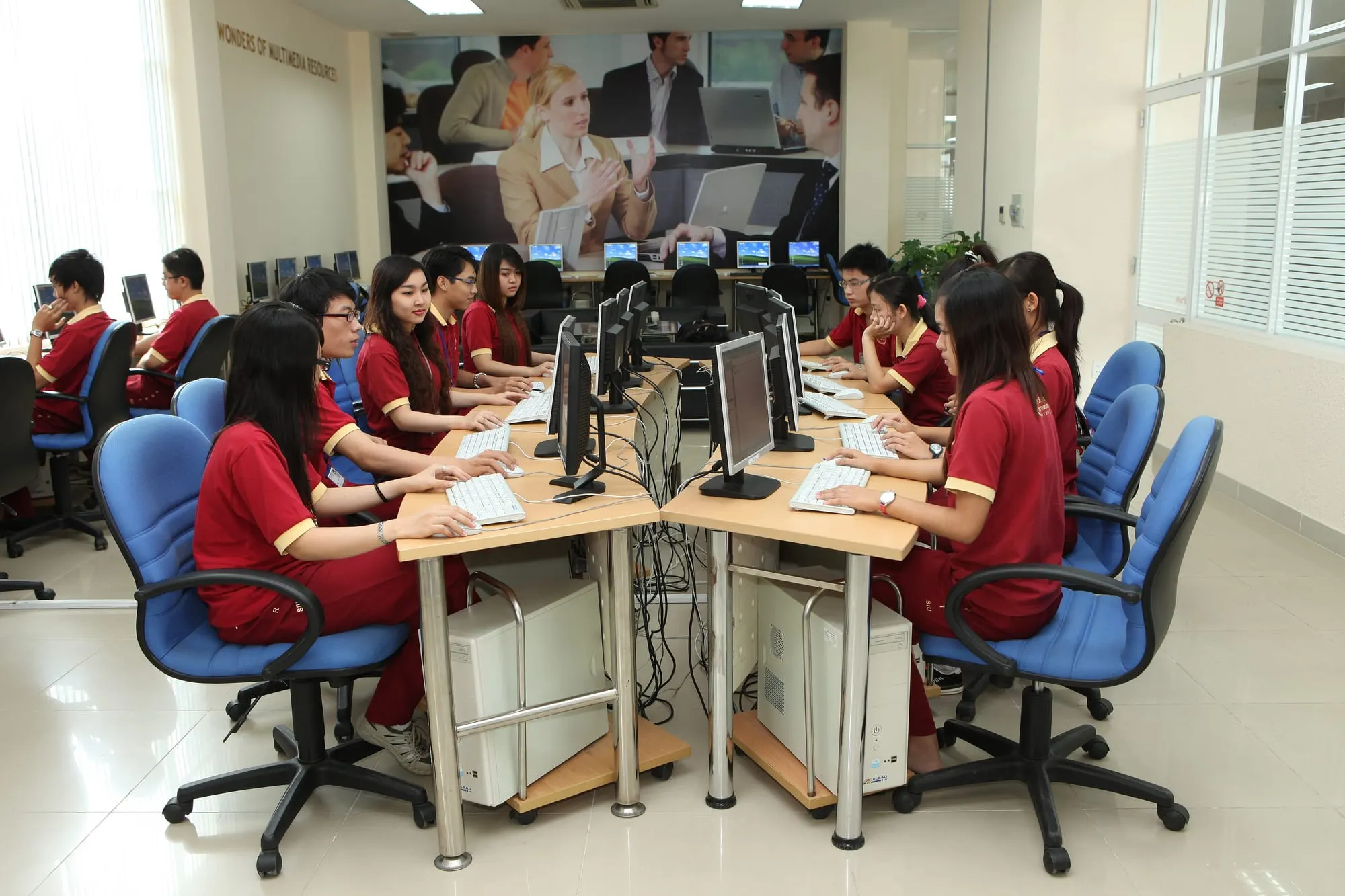
Students working on computers in a computer lab
Program 02 · In planning

Dream Digital

Narrowing the digital divide, widening opportunities to learn.

Bringing computers, connectivity and digital skills to children in underserved areas, so that the digital gap does not become a gap in their futures.

In planning

This program is in the planning stage. Every activity described below is intended and will be delivered through legally recognised partners once conditions are met.
01

The challenge

Computers and the internet have become basic learning tools — yet in many under-resourced schools a computer lab is still a dream, or a handful of ageing machines are shared among hundreds of students.

As learning and assessment increasingly rely on technology, children without devices fall behind early: unfamiliar with a keyboard, unable to search for information, without access to digital learning materials or 21st-century skills.

Meanwhile, thousands of perfectly usable computers sit idle or are discarded in city offices and homes.
02

Goals & approach

  • Equip schools and satellite classrooms that lack devices with computers and internet access.
  • Build a transparent, secure pipeline for receiving, refurbishing and handing over donated devices.
  • Equip students with basic digital skills, online safety and age-appropriate AI literacy.
  • Ensure devices remain maintained and well used after handover.
03

Who we aim to serve

  • Students at primary and lower-secondary schools with no or inadequate computer labs.
  • Children in highland, island and remote communes with limited connectivity.
  • Teachers who need devices and training to teach ICT and use digital learning materials.
  • Disadvantaged students who need a device for online learning at home.
04

Planned activities

1

Laptops and desktop computers

New or certified-refurbished devices pre-loaded with open-source learning software and child-appropriate content filters.

2

Device donation and reuse

Receiving devices from companies and individuals; testing, securely wiping, refurbishing and grading them under a published process.

3

Digital learning corners in schools

A space with 5–10 computers plus furniture, power, networking and a usage guide for each school.

4

Devices for remote learning

Tablets or laptops for students who need to learn from home during exceptional periods.

5

Digital learning library

An offline-capable collection of learning resources for places with weak connectivity, linked to the Dream Learning program.

6

Digital skills and safe AI training

Short courses on using a computer, finding information, staying safe online and getting to know AI responsibly.

7

Post-handover maintenance

Scheduled check-ups, basic troubleshooting training for teachers and a spare-parts fund when resources allow.

05

Implementation plan

  1. 1

    Phase 1

    Process design

    Define device standards, data-wiping procedures, intake and handover forms; find technical partners.

  2. 2

    Phase 2

    Pilot digital corner

    Install the first 1–2 digital learning corners with a legally recognised partner and train teachers.

  3. 3

    Phase 3

    Connect to Dream Learning

    Deploy the offline learning library and run digital-skills classes at equipped schools.

  4. 4

    Phases 4–5

    Scale & maintain

    Grow the network of device-donating companies and set up regional volunteer technical teams.

06

Expected outcomes

  • Students at partner schools gain regular access to computers during and after class.
  • Used devices get a second life instead of becoming e-waste.
  • Teachers feel more confident using technology in their teaching.
  • Children learn to use the internet and AI safely and responsibly.
07

How to get involved

Donate working devices

Companies and individuals with usable laptops, desktops or monitors can contact us to discuss the future intake process.

Technical volunteers

Engineers and IT technicians can help test, refurbish, set up and maintain devices.

Digital-skills trainers

Experienced trainers can co-create and deliver digital-skills and online-safety courses.

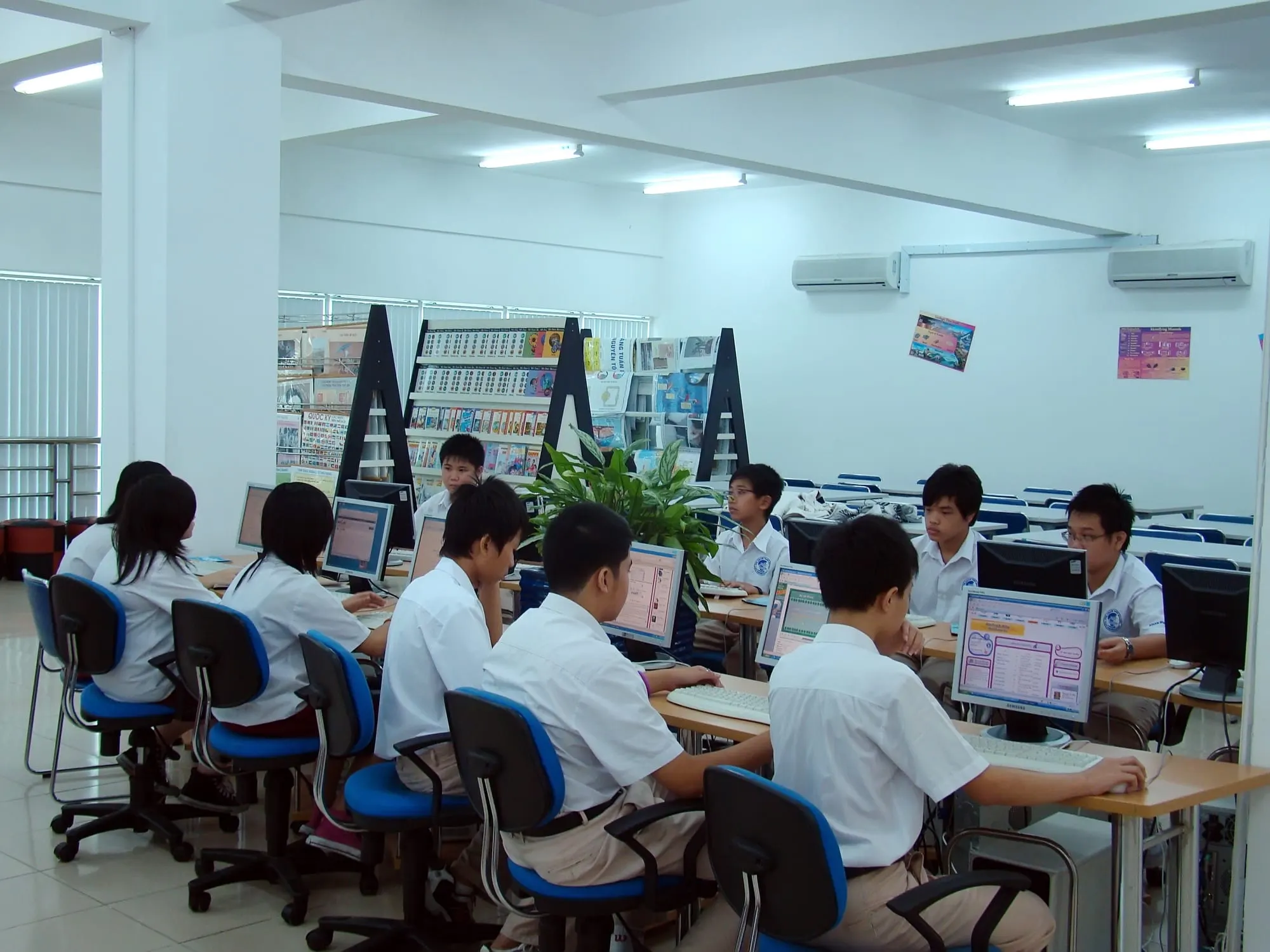
Students using computers in a school e-libraryIllustrative photo
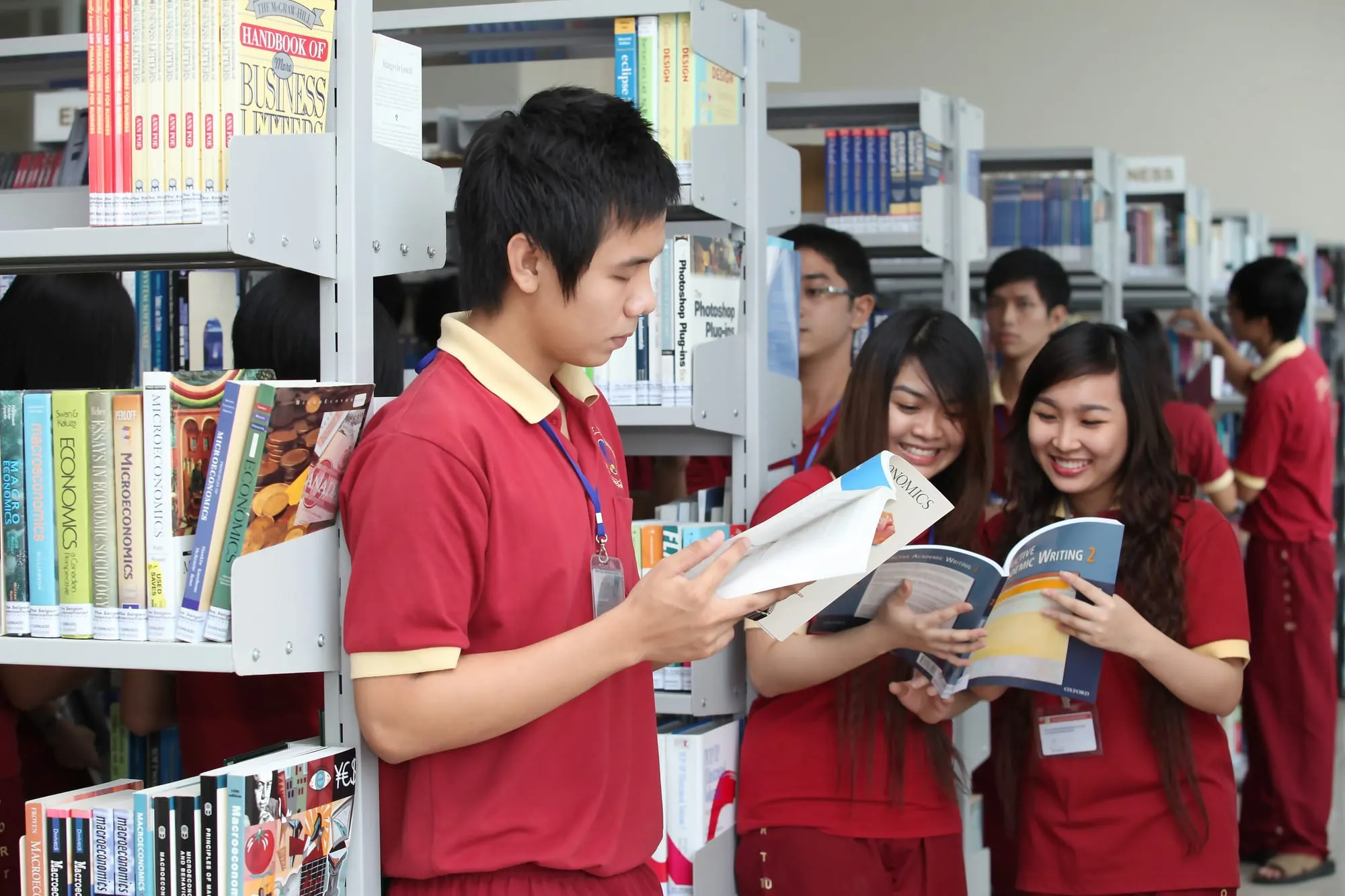
Students reading together among library shelvesIllustrative photo
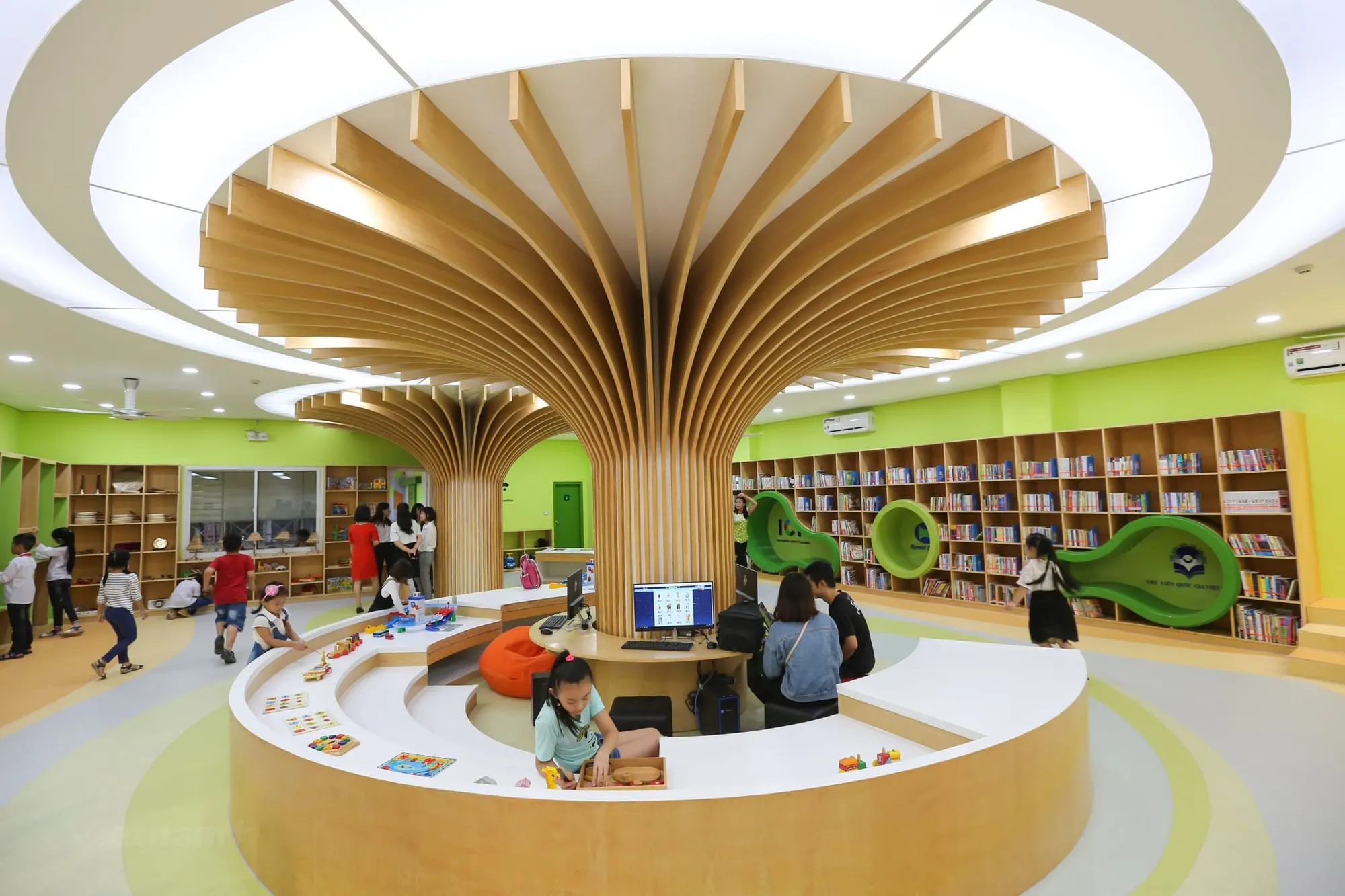
A modern children's library with bookshelves and computersIllustrative photo

Build dreams with us

The project is taking its first steps and needs serious companions: teachers, technology specialists, businesses, schools and organisations that share our goal.